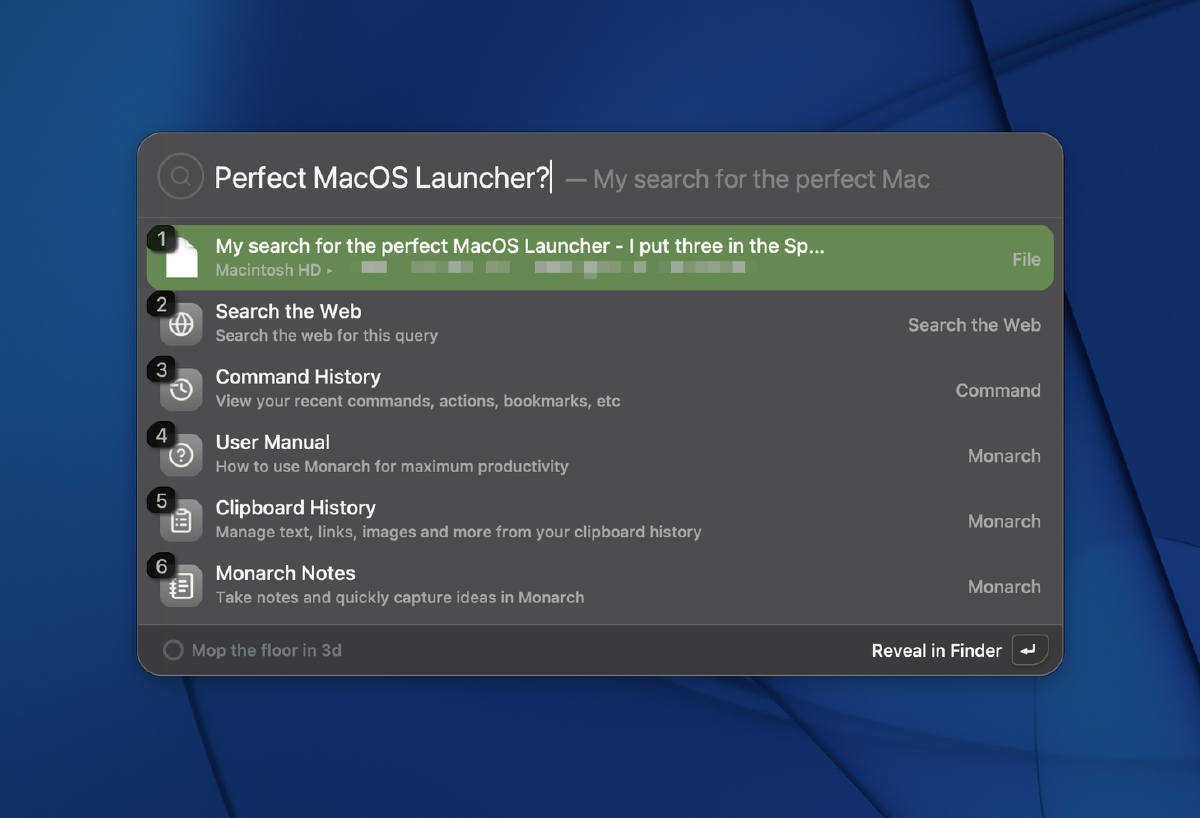
My current setup#
I’ve been an alfred powerpack (paid) user for years. It has a bunch of features that worked with my flow that were missing in spotlight.
I’ve grown accustomed to a level of system control that stock spotlight doesn’t offer. A launcher is more than just finding an app, it’s about saving time and controlling your system. I rely on it to empty the recycle bin, remove the “quarantine” attribute from unsigned apps or locking the screen quickly.
I was chatting with a mate about this recently, and we were comparing our different approaches to productivity. He said “Why don’t you just hit touch id to lock it?” That being said, he’s got a second Magic keyboard at his fingertips, mounted right under his desk just for the touch ID button, which is very Snazzy Labs esque .
On the topic of productivity, it can also be argued there are other ways to lock your screen, like the keyboard shortcut ctrl ^ + cmd ⌘ + q.
And while I agree that keyboard shortcuts are powerful, there is a mental tax involved. The number of times I have to repeat a shortcut before it becomes muscle memory is far too high. In my experience, if you don’t use a shortcut immediately and consistently, it’s incredibly easy to abandon the habit and revert to a manual method. Switching between MacOS, Windows and Linux as well as keyboard layouts can also throw off muscle memory.
Because Alfred relies on Spotlight for indexing of files, sometimes things work slowly. For example, installing an app via brew can take 30 seconds or more to appear in the index. In my tests below, all three launchers showed the update instantly which makes me think something went wrong..
What I want in a launcher?#
A launcher for me needs to be
- Responsive, both in launching as well as showing results
- Accurate, finding the right files and apps based on context
- Handle advanced equations (BODMAS) without needing a calculator
Tangent Another tool I frequently use to improve my UX on MacOS is PopClip. It brings iOS style functionality to highlighted text on your Mac. Interestingly it’s extension catalogue is also a cool way to discover apps. End Tangent
I paid for and tried out three contenders, tuna, tinystart and Monarch Launcher
Tuna#
Originally discovered through the youtube algorithm, Tuna is a launcher that tries to solve a lot of problems the creator had in one app. It has familiar features like clipboard history, emoji pickers and snippet like aliases e.g. - shrug for ¯\\_(ツ)_/¯.

Onboarding and purchasing#
It was fairly easy to purchase and get a TUNA license with a stripe checkout.
There’s a homebrew formula for tuna if you tap @mikker’s brew Github repo.
The app is notarised and although the onboarding explains the concepts along with the YouTube video, it still can take some time as it isn’t a direct replacement to spotlight, but a different way of thinking.
Below you’ll see the onboarding menu options, what you get in the menu bar as options, and that i’m testing a beta version v0.55, and my example trying to lock my screen.


A few quirks i found include:
- When I want to search for a file, if i’m used to searching ‘find X file’ i’d expect it to show, or even typing the file name by itself. It wasn’t clear to a new user, and if I’m digging through menus trying to find the right command to type to find a file then UX might need to be improved.
- When leaving the search idle for about 2.5 seconds, typing in another character resets your search to whatever the new phrase is. Similarly if i’m typing in something and make a spelling error, by default clicking backspace deletes everything i typed. Further investigation showed this was configurable, however is not clear unless the ‘show results immediately’ is enabled which doesn’t work with my brain.
- Clipboard history is not encrypted at rest

You can purchase tuna directly on their website
Security and inspecting#
Clipboard data can contain sensitive info. Not everyone is going to add their password manager to an app exclusion list. A bit disappointing that the database was unencrypted and easy to view was not okay. I understand this is early development, but it should be updated as a priority.
The telemetry is stored as a base64 encoded json which upon inspection looks to capture generic performance metrics which is okay. Network data phoning home captured via proxyman also looked okay.


Extra#
There are some full screen animations that are a novelty, but I don’t think i’ll really be using them.
My verdict#
I acknowledge it’s a feature rich app, but with a premium price tag of $49 USD. (70 aud), it’s hard to digest for essentially a beta product. In a way you’re funding the development by purchasing it at it’s ‘final’ price. Alfred is 59 pounds ($112 AUD) so technically this is cheaper? This will be interesting to revisit come v1.0 or even in 6 months time to see how much it will polish up. I’d expect a better onboarding process and more docs around getting the best configuration. There are a lot of features and extensions already, but there’s a steep learning curve to getting it to work the way you may want it to.
tinystart#
A lightweight launcher that brings your apps into reach and is super responsive.
Similar to Tuna, there’s an emoji picker. It swaps standard file searching for “folder bookmarks,” which is a unique take. It nails the essentials like unit conversion and includes an emoji picker. It’s a bit less useful to me, but I can see how it adds value. The integration with Apple shortcuts is quite cool. I see how it can be useful
There are some features that are essential for my use like conversion of units which it does well aside from currencies. I do quite like the dot showing if an app is active, and being able to cmd + q to quit it.


The price difference here is massive - 5 euro for a lifetime license, and development is still in the early phase.
It was easy to add Kagi as a default search engine.
I do appreciate not having clipboard mixed in, as the focus on quick productivity wins is more important to me to be fast and responsive.
Onboarding and purchasing.#
It was a bit awkward to purchase, going through a ko-fi link, and getting a zip file with a precompiled app. While it worked, and I had the app, I prefer to use a package manager like Homebrew to download either directly or via a tap. I can understand why it’s distributed this way, as another note is how no license keys were involved, keeping things simple.
you can purchase it here https://ko-fi.com/s/eb0f06d83e as a one time purchase.
My Verdict#
tinystart has an accessible price making it a great entry point to anyone that’s considering speeding up their workflow. I’m looking forward to seeing where the product will be in the next few months, as it’s in active development. It’ll live on my machine as I keep testing
Monarch launcher#
Monarch strikes a great balance between Alfred’s power and modern UI polish.
It feels like the tool that actually understands how I work, not just what I need to open.
A few quirks:
- There were a few domain mismatches - monarchlauncher.com seems like the main domain, however there is also monarch.run which doesn’t redirect to the main domain
- I had a memory leak, which a restart of the app fixed.

Some cool features included quitting apps or killing processes, changing audio devices, colour pickers, the notes area.


Onboarding and purchasing.#
A quick note here, the current Freya license is $30 USD, down from $39 whilst still in beta. It should be noted that this is also a perpetual license and pricing may increase come end of month.
Purchasing has a stripe link, and the page doesn’t currently redirect anywhere. You need to wait until an email comes through with a licence key which wasn’t the best UX, but still being sub V1 is forgivable.
Onboarding docs are fairly comprehensive and give the right info.

It would be nice if there was another area for people to raise issues outside of Reddit or Discord. I know this isn’t an open source app, however Github issues or discussions tend to work, or visible feature requests are a bit more trackable.
My verdict#
I’ve been using Monarch for the past couple weeks and I think i’ll keep using it as my standard launcher. There are a few features I’d want it to have, but as long as it doesn’t consume too many system resources, I think it’ll be a good replacement for Alfred.
Raycast?#
I tried Raycast back in the early 2020s on first release. It had a slick UI, interesting plugins and a fresh feel. Although the performance was lacking and the feature creep and business model put me off. It would be nice to see the competition ramp up this year.
Final Spotlight#
There aren’t really any settings import functions on any of the apps tested, but looking at the ease of migration simply would be changing the hotkey to launch. Everything else is manual, and in a way it wasn’t too time consuming and helped me learn more about the apps (albeit more manual outside typical onboarding).
I thought i’d enable the hotkey one last time to grab some screenshots as reference images for the below tests


Side by side#
Aside from the observations during purchasing, I thought it would be best to do a side by side trying to replicate a few tasks.
Emoji#
First up, searching for a computer emoji 💻


Bookmark#
Next up, searching for theage.com.au, an Aus based news site.


Conversions#
Most of the world works in KG, however sometimes conersions are needed..


File search#
Most of the world works in KG, however sometimes conersions are needed..


 It is a nice touch seeing a preview of the file.
Calculations#
As mentioned earlier, sometimes I need to use brackets in calculations. Earlier versions of spotlight didn’t support it which was one of the selling factors of alfred.


Final thoughts#
I’ve had the hotkey for Spotlight disabled for years, and is part of my dotfiles in every machine to disable it. Even as MacOS slowly improves its default experience, there always is a need for more. After trying the three options above, little quality of life features have made me decide to switch. Small things like previewing files, showing
I’m going to stick with Monarch for a little while, but keep an eye on the rest. That said, I’m keeping an eye on tinystart and tuna. It’s refreshing to see competition in the macOS launcher space finally driving innovation again. I’m looking forward to see how they develop.
Let me know below if you’ve tried any out or if there’s another launcher I should add to the list?